How to Program LiteWing Drone using Python with Crazyflie Cflib Python SDK
Project Hub
/Test & Measurement Instrumentation/Multimeters, Voltmeters & Ammeters/How to Program LiteWing Drone using Python with Crazyflie Cflib Python SDK
Intermediate
OTHER CONTROLLER
Project Specific
3 – 6 Hours
Partial Kit
How to Program LiteWing Drone using Python with Crazyflie Cflib Python SDK
Learn how to program and control a LiteWing drone using Python and the Crazyflie Cflib SDK over a WiFi UDP connection.
We stock the boards, sensors and modules this project needs. A full parts list is coming soon — for now, browse our DIY Kits & components or search for Other Controller parts.
This project is sourced from another site, not written by us — this list is our best match of their components against what we stock, not a verified bill of materials. Always check the original blog (linked above) for the actual parts list before buying.
We don't carry yet: WiFi Module (generic)
Drone Parts (ESC / propeller / flight controller / BLDC)
LiPo Battery
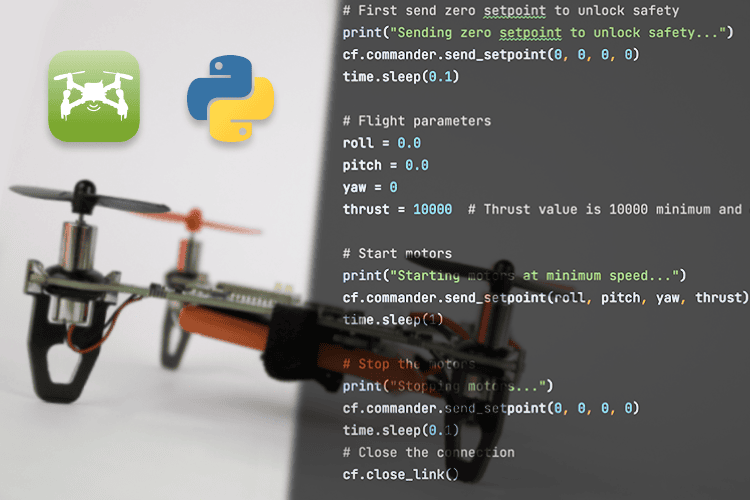
This project enables programmatic control of a LiteWing drone through a host PC or laptop utilizing Python 3.11+ within the PyCharm integrated development environment. The communication layer relies on the Crazyflie Python Client Library (cflib), which acts as an abstraction layer to transmit command packets over a WiFi UDP network interface. When a user runs a Python script, the cflib packages flight parameters—such as velocity vectors, orientation adjustments, and motor thrust commands—into structured network datagrams. The LiteWing drone, powered by a compatible LiPo battery, receives these wireless UDP packets via its onboard transceiver and processes them through its internal flight control firmware. This firmware translates the high-level API instructions into low-level pulse-width modulation signals or digital motor control signals, dynamically adjusting the speed of the rotors to achieve stabilization, navigation, or hovering. By writing iterative control loops in Python, engineers can execute automated flight paths, read telemetry data, and implement custom stabilization routines without relying solely on traditional manual radio-frequency controllers.
Why Build This
Design and test custom closed-loop flight control algorithms and autonomous navigation scripts using Python.
Implement wireless UDP-based telemetry and robotic aerial monitoring systems for undergraduate research applications.
Real-World Application
Developing custom flight control algorithms, autonomous drone navigation, and robotic aerial monitoring systems.
Skills You'll Learn
Python software development
UDP network socket communication
API integration
asynchronous programming
drone flight dynamics
sensor data parsing
Safety Precautions
Always use the correct battery specified for your LiteWing Drone, ensure propellers are clear during testing, and be mindful of the minimum/maximum thrust safety limits to prevent accidental lift-off.
Technology Tags
PYTHON
CRAZYFLIE
CFLIB
DRONE
ESP32
WIFI
UDP
QUADCOPTER
PYCHARM
Frequently Asked Questions
You need Python 3.11 or a newer version installed on your PC or laptop.
The PC communicates with the drone wirelessly via a WiFi UDP connection using the cflib Python package.
Yes, while PyCharm is recommended, any Python-compatible IDE or text editor can be used as long as the required SDK and dependencies are properly installed.
Gallery
This page is part of Kitkraft's Project Hub — a curated collection of electronics & robotics projects gathered from the maker community to help students and hobbyists discover and learn to build. Kitkraft does not claim authorship of the original project, and makes no representation as to the accuracy, completeness or safety of third-party source material. The summary and "How It Works" explanation above are AI-generated, rewritten with reference to the original tutorial — not a reproduction of it. Full credit and a direct link to the original source are provided above. If you're the original creator and have a concern about how your work is represented here, please contact us and we'll address it promptly.
Kitkraft Project Hub — curated from the maker community, credited at the source.