Project Hub/Healthcare Biomedical & Assistive/Smart Pill Dispenser/How to Use Interrupts in STM32F103C8
Intermediate
STM32
< ₹500
3 – 6 Hours
How to Use Interrupts in STM32F103C8
Learn how to configure and use external hardware interrupts on the STM32F103C8 microcontroller using a push button and display status on a 16x2 LCD.
Originally published by P Pramoth Thangavel on CircuitDigest
View original tutorial
How It Works
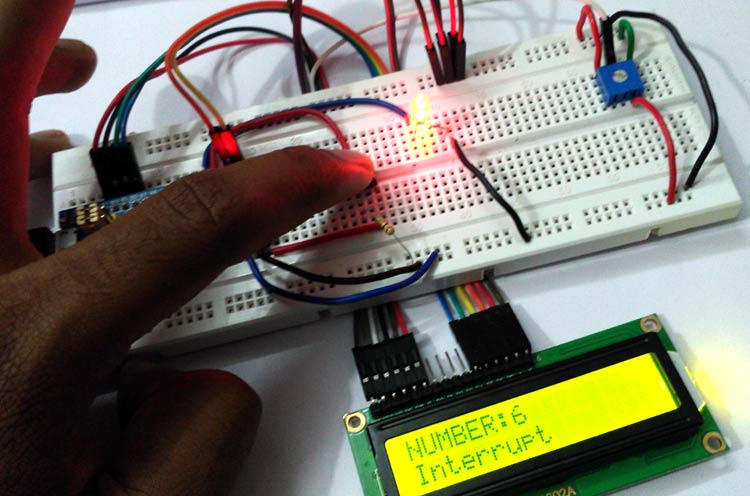
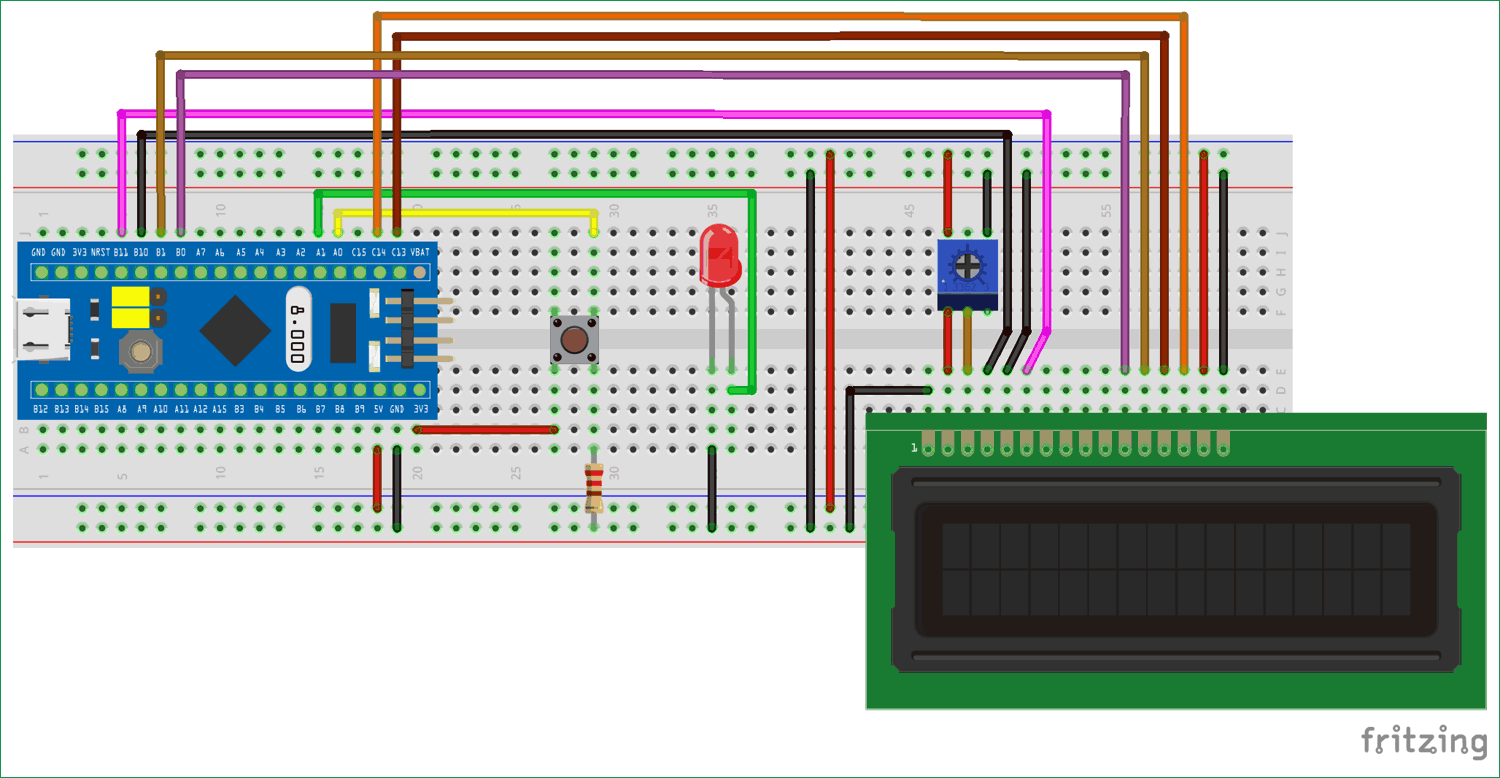
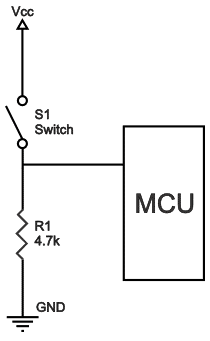
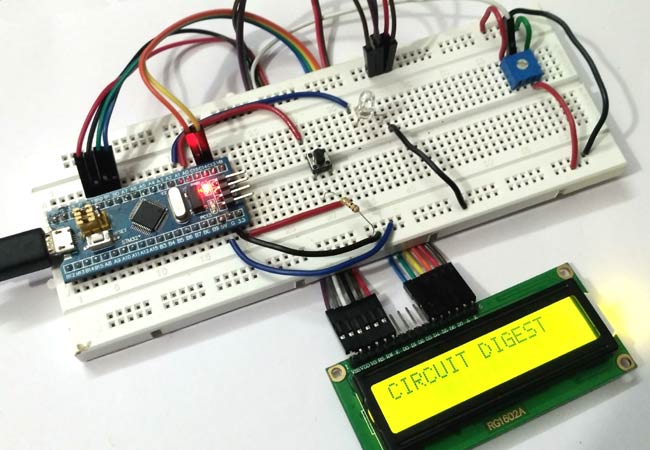
This smart pill dispenser project utilizes an STM32F103C8T6 microcontroller, commonly known as the STM32 Blue Pill, to manage event-driven tasks using external interrupts. In a typical embedded application like an assistive medical device, the system must remain ready to respond instantly to user inputs without getting bogged down in repetitive polling loops. Here, a push button connected with a 10K pull-down resistor serves as the external trigger. When the button is pressed, it applies a high logic level to the designated interrupt pin on the STM32F103C8, instantly halting the main program execution to jump directly to an Interrupt Service Routine (ISR). Inside this ISR, the system registers the button press event and toggles the state of an LED. Simultaneously, status updates and user feedback are continuously managed and rendered onto a 16x2 LCD display driven via the Arduino IDE and the LiquidCrystal library. Because the STM32 operates on 3.3V logic, the external circuit components must be carefully wired to prevent any overvoltage conditions on the microcontroller pins. By leveraging hardware interrupts rather than continuous software polling, the microcontroller efficiently allocates its processing cycles, ensuring that critical user interface interactions and real-time events are handled instantly and reliably.
Why Build This
Master low-latency event handling techniques crucial for biomedical assistive devices and smart pill dispensers.
Bridge theoretical microcontroller architecture concepts with practical firmware design using the Arduino IDE.
Implement reliable hardware input conditioning using pull-down resistors to eliminate floating states.
Real-World Application
Real-time event handling, responsive user interface design, sensor monitoring, and critical safety shutdowns in embedded systems.
Skills You'll Learn
External hardware interrupt configuration
interrupt service routine (ISR) optimization
push-button debouncing and digital input conditioning
16x2 LCD character display interfacing
real-time event-driven programming
Safety Precautions
Ensure correct voltage levels (3.3V logic) to avoid damaging the STM32F103C8 microcontroller.
Technology Tags
STM32
MICROCONTROLLER
C++
ARDUINO IDE
INTERRUPTS
GPIO
LCD
PUSH BUTTON
Ready to build this?
We stock the boards, sensors and modules this project needs. A full parts list is coming soon — for now, browse our DIY Kits & components or search for STM32 parts.
Frequently Asked Questions
Why use an interrupt instead of continuously checking the push button in the loop function?
Continuous polling wastes processing cycles and can miss rapid button presses if the microcontroller is busy executing other tasks. Hardware interrupts allow the STM32 to react instantaneously to the button press the exact moment it occurs.
Can I connect the push button directly to a 5V supply in this circuit?
No, the STM32F103C8T6 is a 3.3V logic device. Supplying 5V directly to its input pins can permanently damage the microcontroller.
What is the role of the 10K resistor in this project?
The 10K resistor acts as a pull-down resistor, ensuring that the interrupt pin is held at a stable logical LOW state when the push button is not pressed, thereby preventing floating inputs and false triggers.
Gallery
Kitkraft Project Hub — curated from the maker community, credited at the source.
PRJ-00058